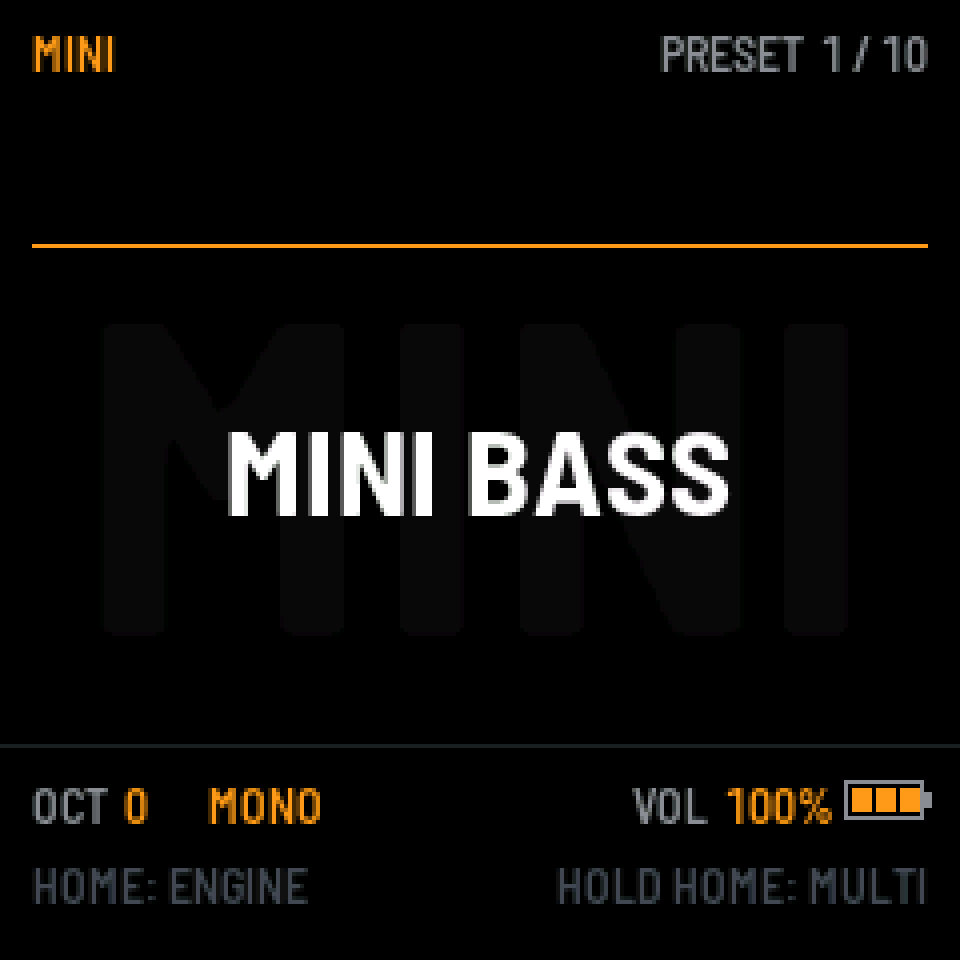
MINI
MINI BASS 124 BPM + 88Four oscillators into a 24 dB ladder filter, with drive built in. Basses and leads that push back.
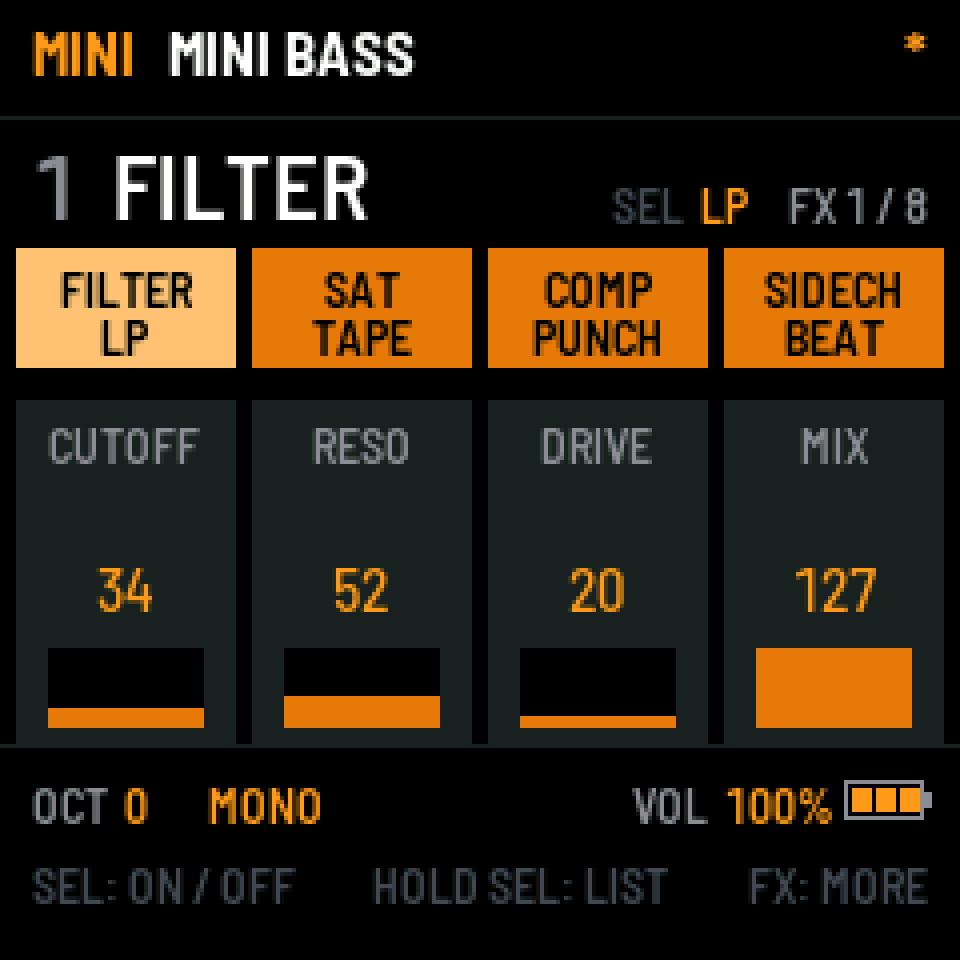
- FX
- Filter sweep
- Tape sat
- Punch comp
- Sidechain
- EQ

OG Synth turns the FM-1 into a deep, playable synthesizer, with as much sound as I could fit in it and controls you don't have to look up.
Your phone can already make beats. This one's for turning knobs. It doesn't try to be a whole studio, just a very good synth.
Made by Mike Johnson Beats, an instrumentalist and producer, for anyone who wants to play.
16 engines28 effects4 tracks at once0 song modes
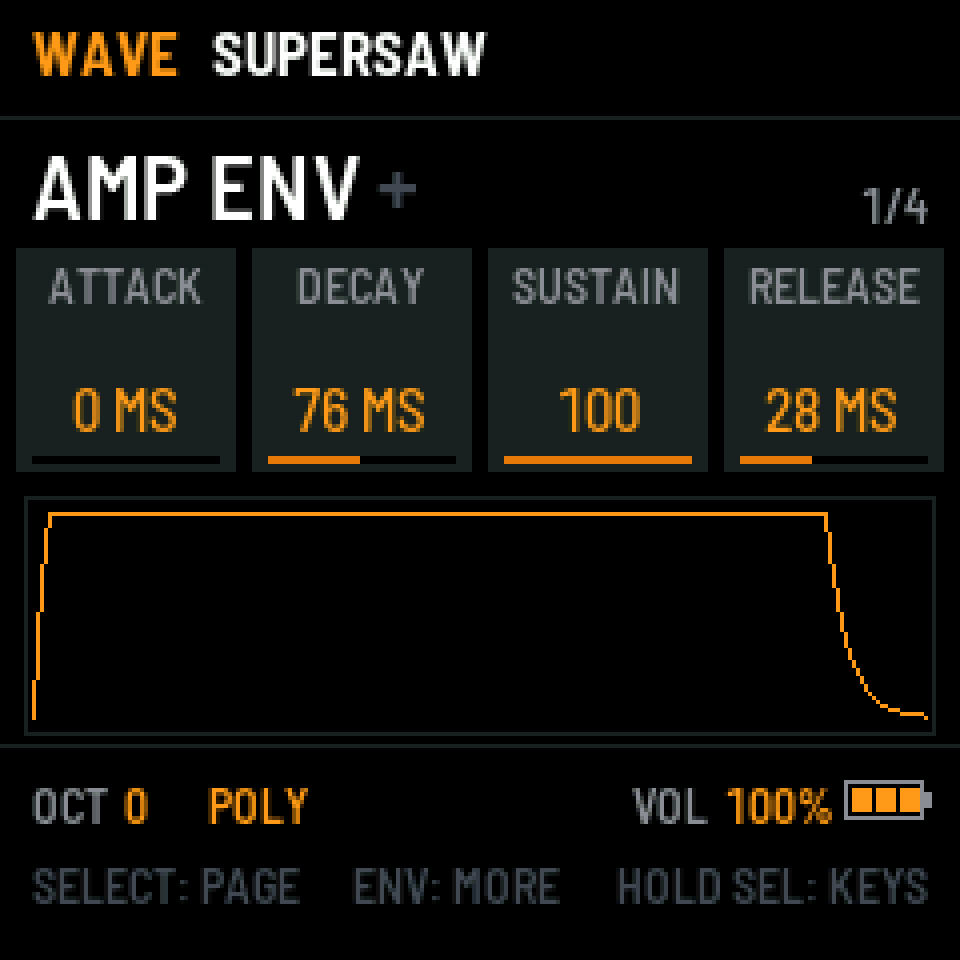
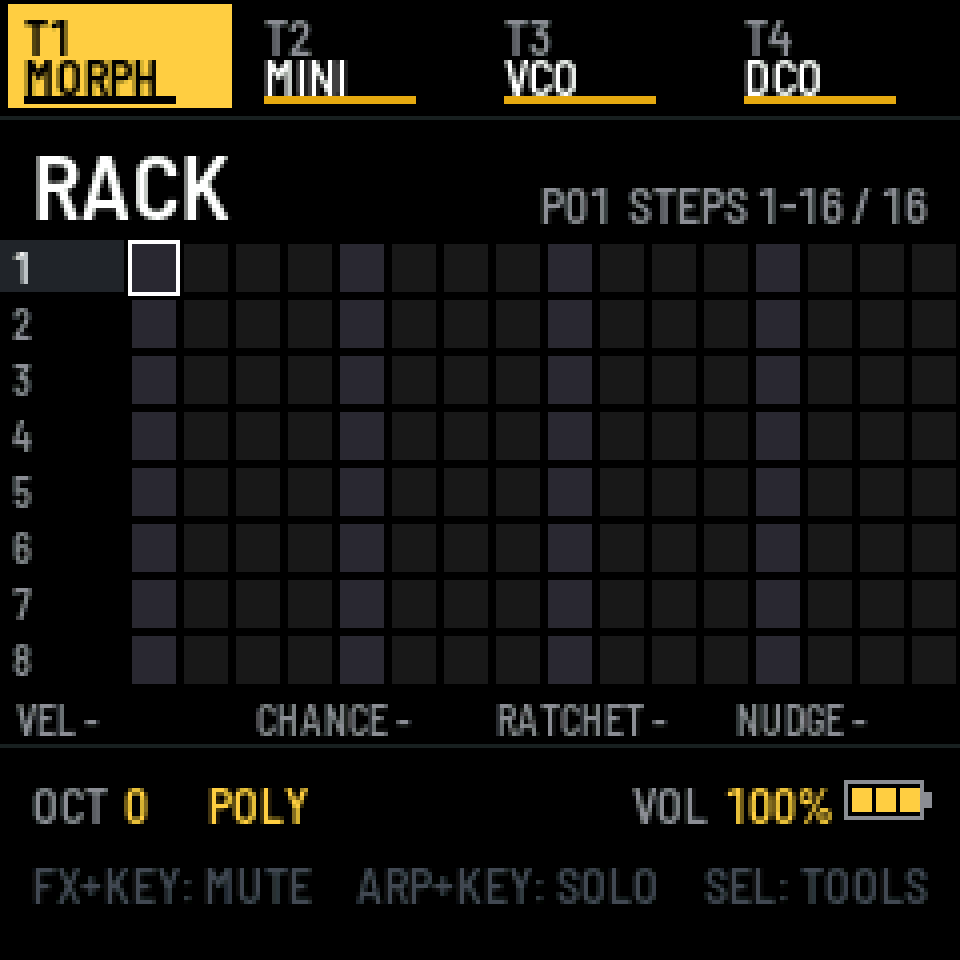
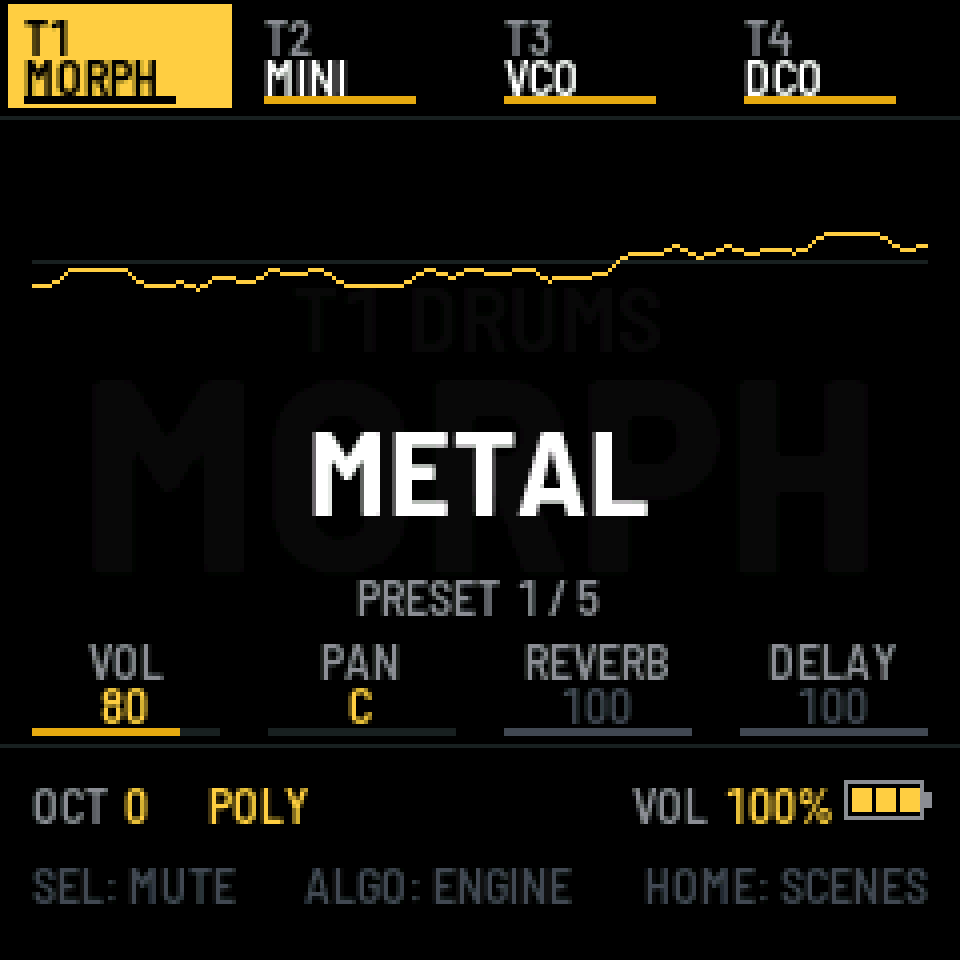
01 / Engines
Each one is its own instrument with its own presets, and you find your way around all of them the same way. Press a screen to hear it.
Every clip is a factory preset through the firmware's own effects, rendered from its own code. Some clips layer a few presets of the same engine, like tracks in MULTI; the drums come from 88 or 99. Nothing added outside, levels matched.
Four oscillators into a 24 dB ladder filter, with drive built in. Basses and leads that push back.
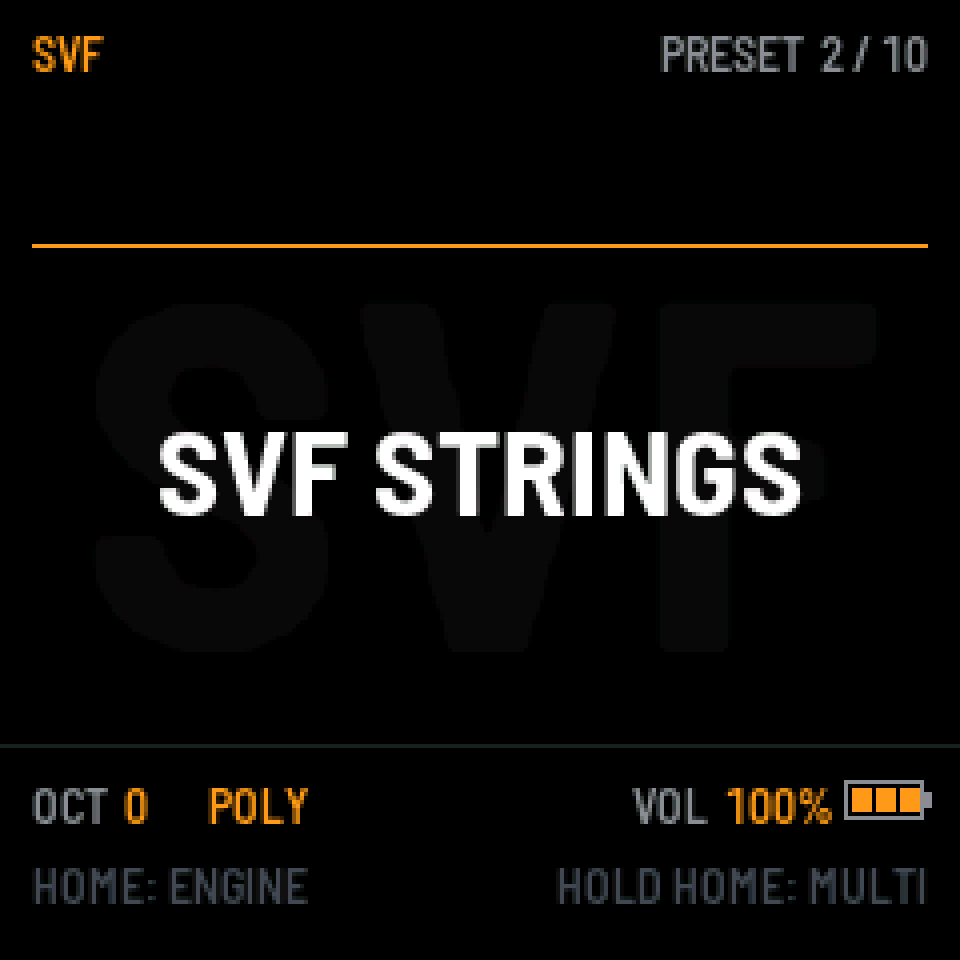
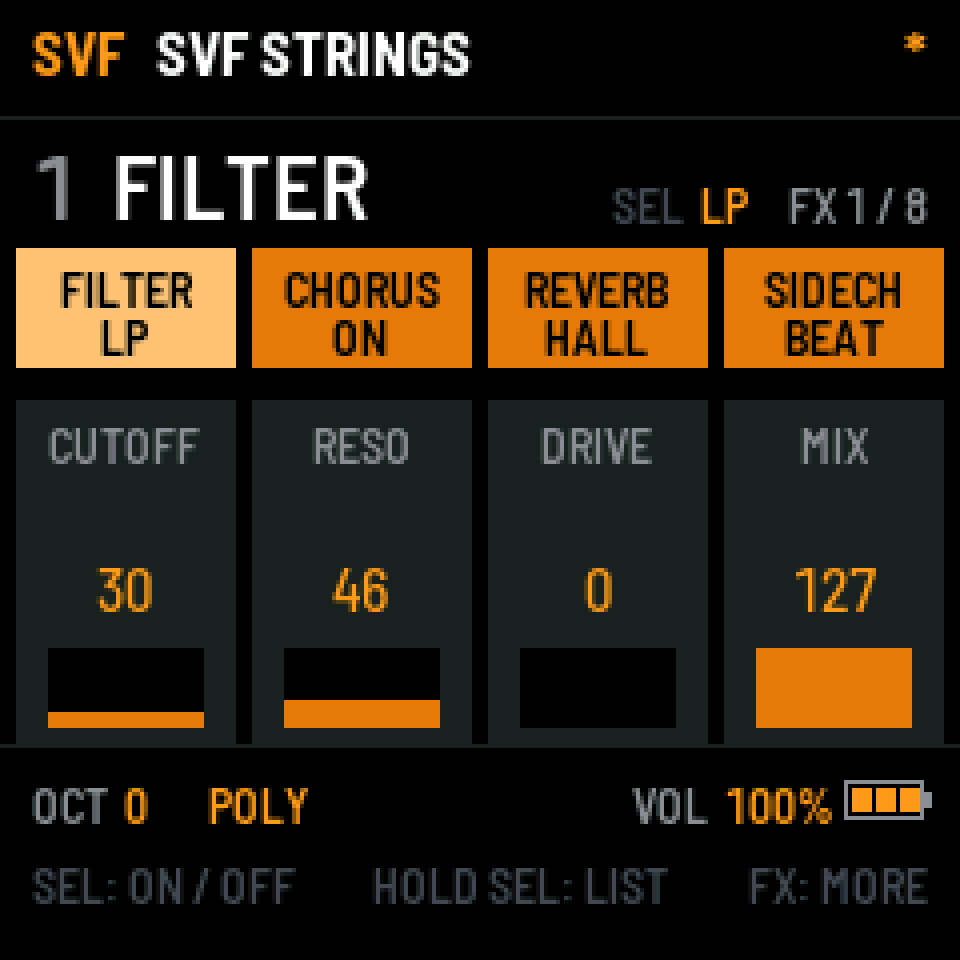
A soft 12 dB filter that sweeps from low-pass through notch to high-pass. Wide brass and strings.
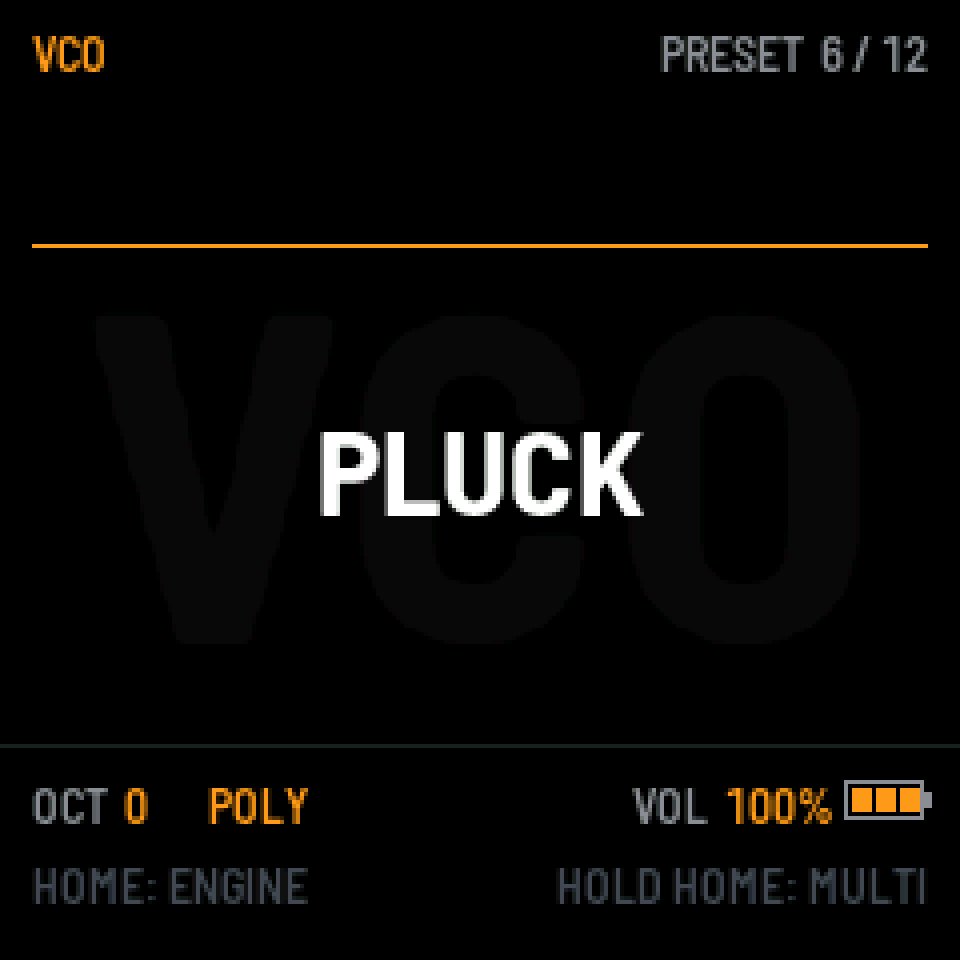
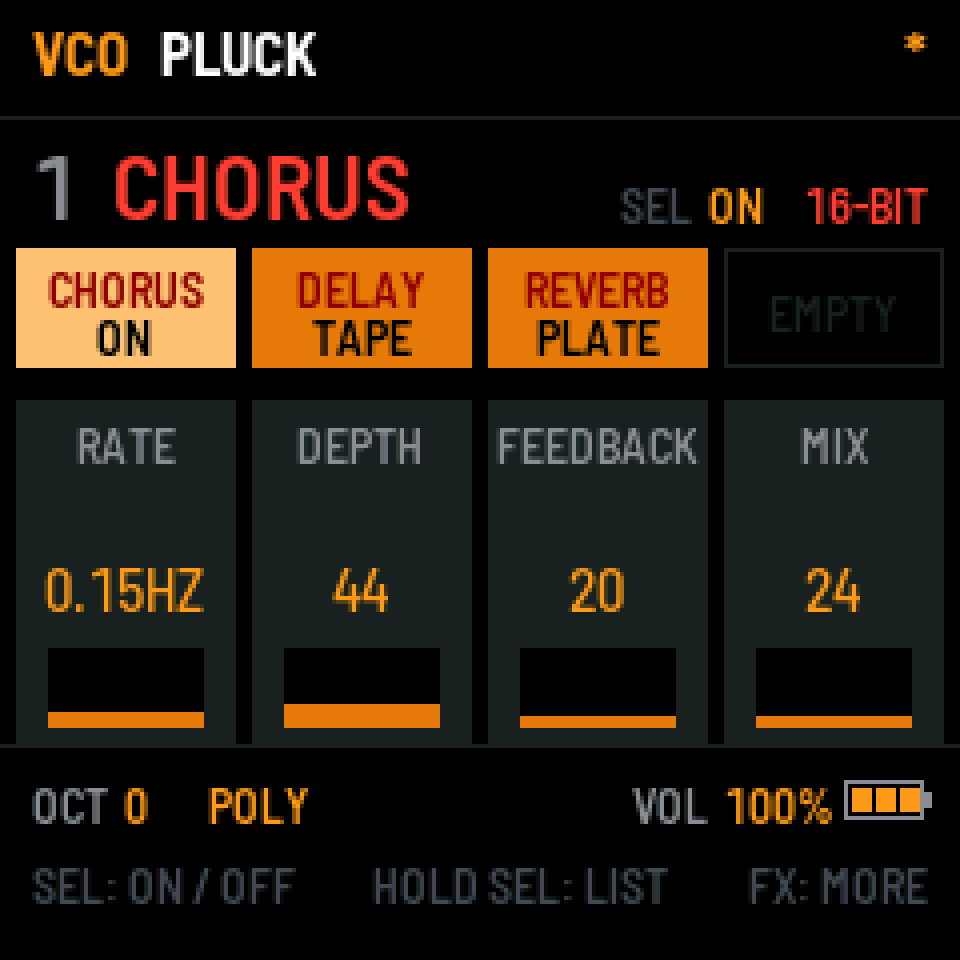
Two oscillators, a sharp 24 dB filter, sync and poly mod. The classic polysynth, pointed and bright.
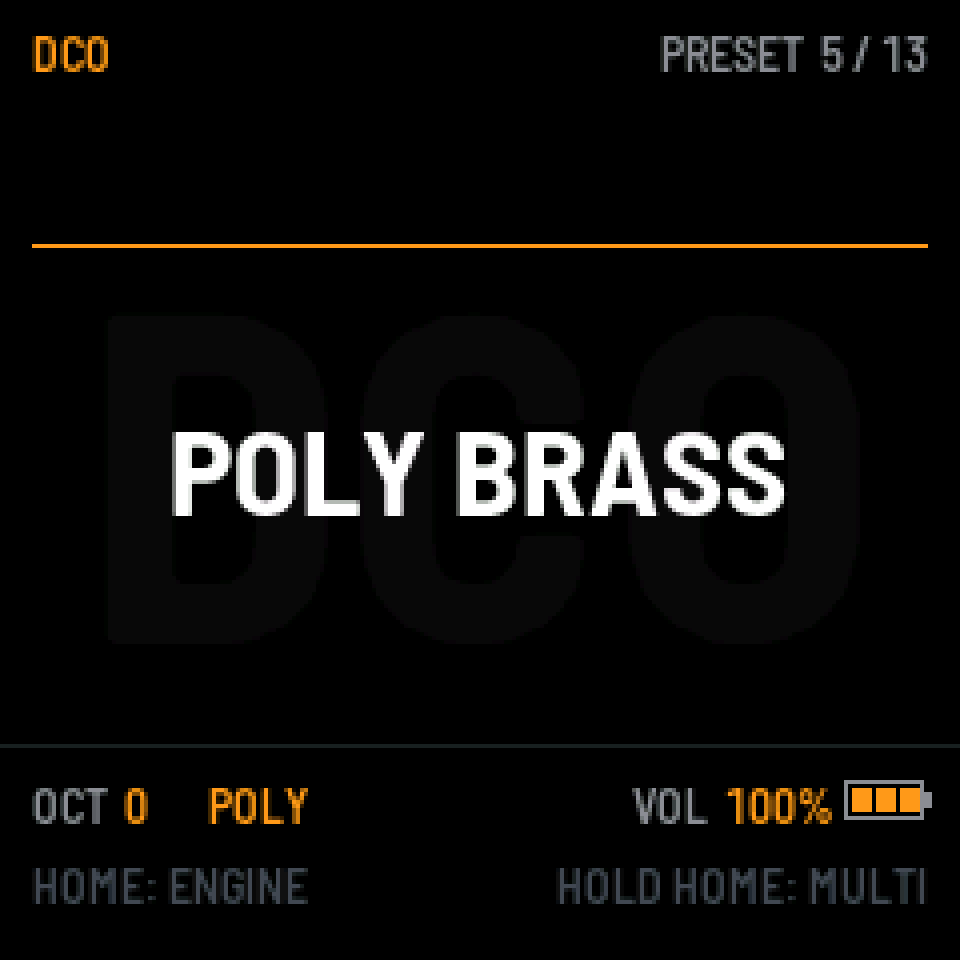
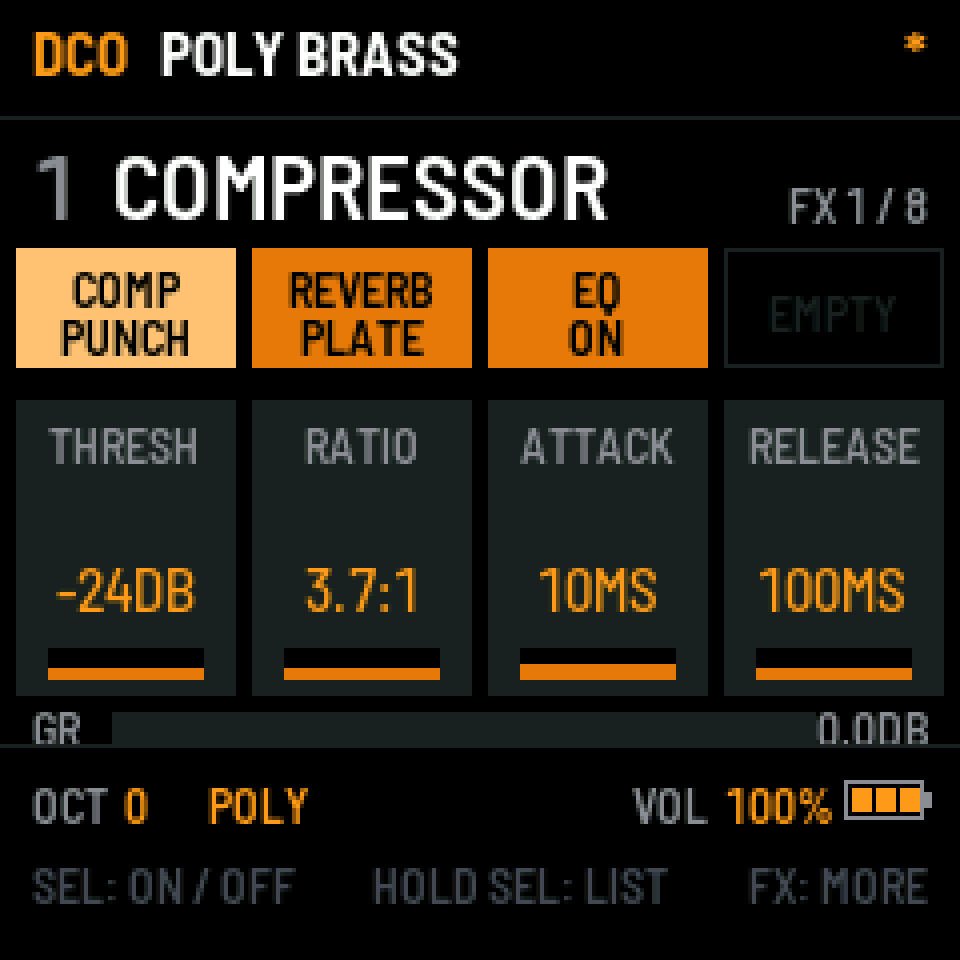
One steady oscillator with sub and noise, two models with their own feel, and the chorus inside the engine.
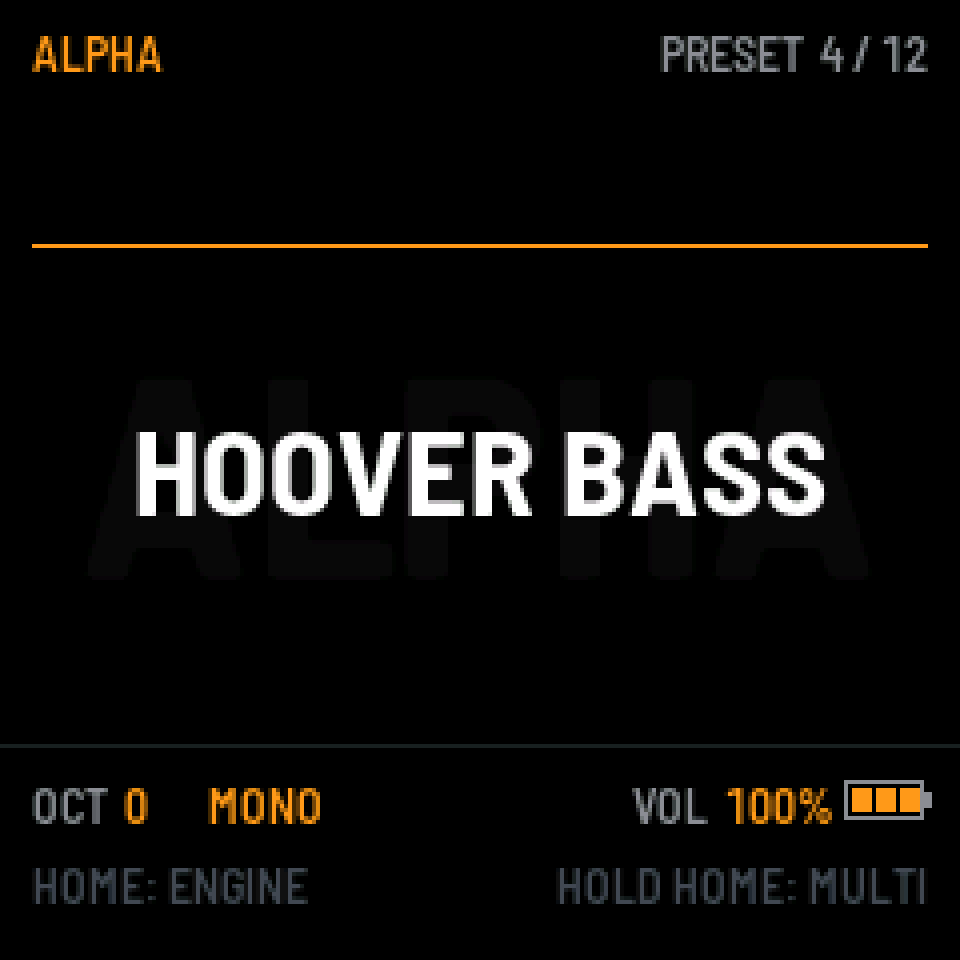
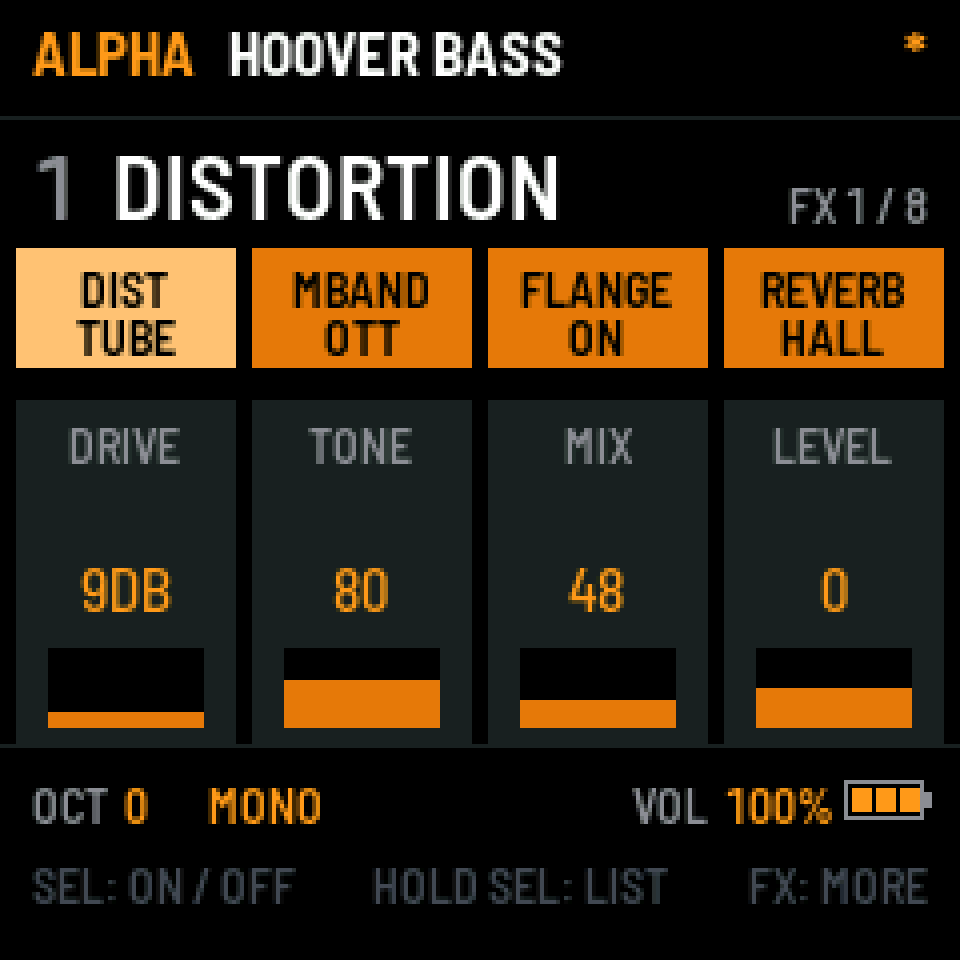
The late-eighties side of the same family: PWM saws and pitch envelopes. Hoovers and rave stabs.
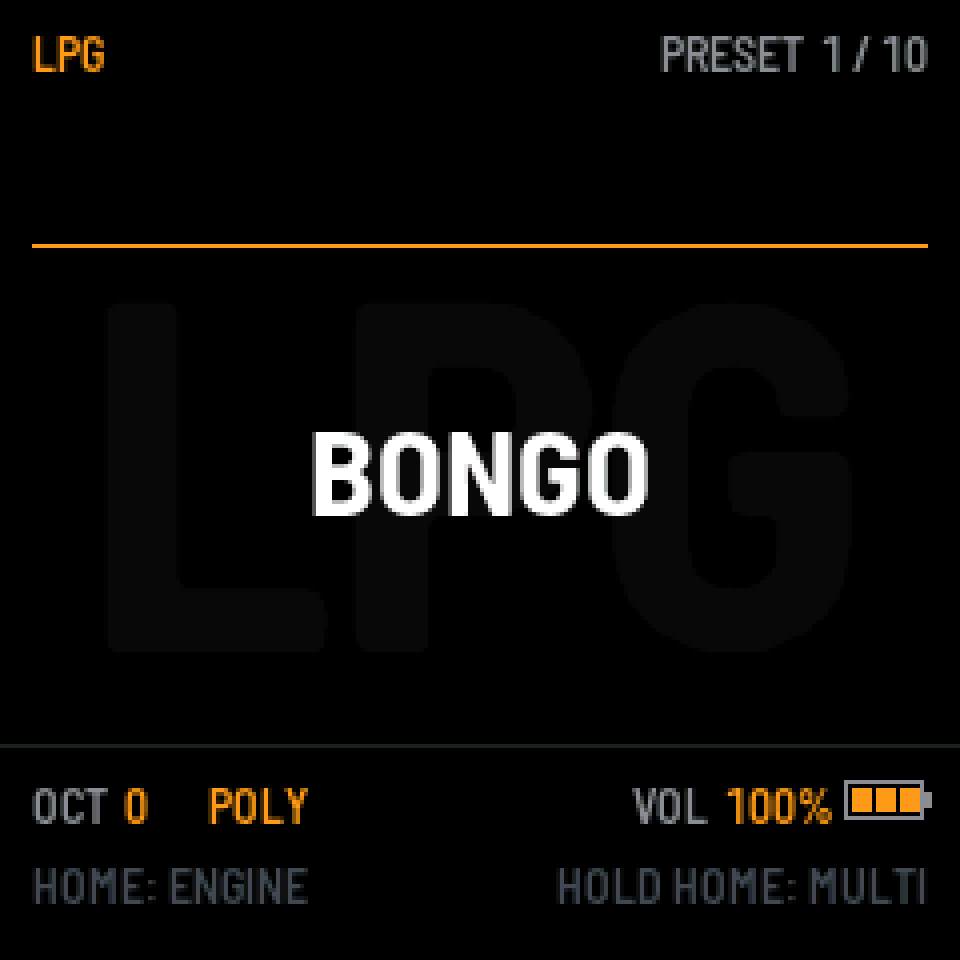
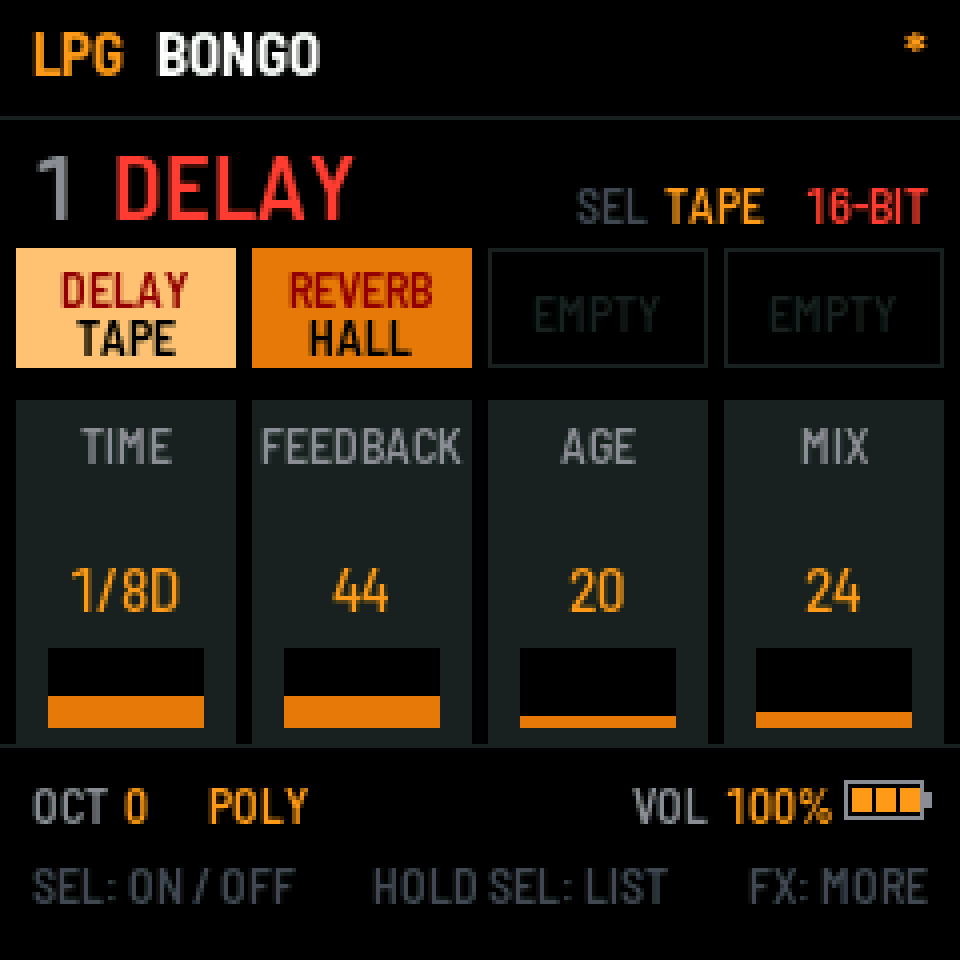
West-coast style: FM and AM between two oscillators, a wavefolder and a low-pass gate. Plucks, wood, bells.
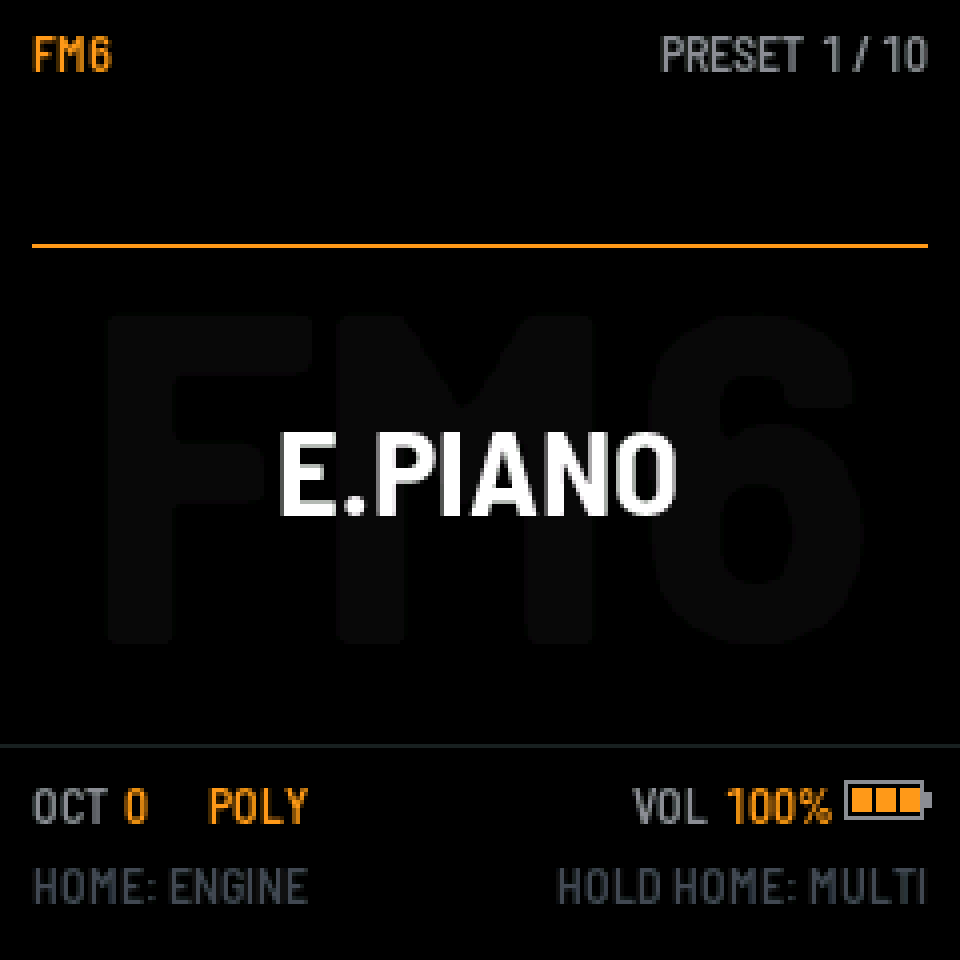
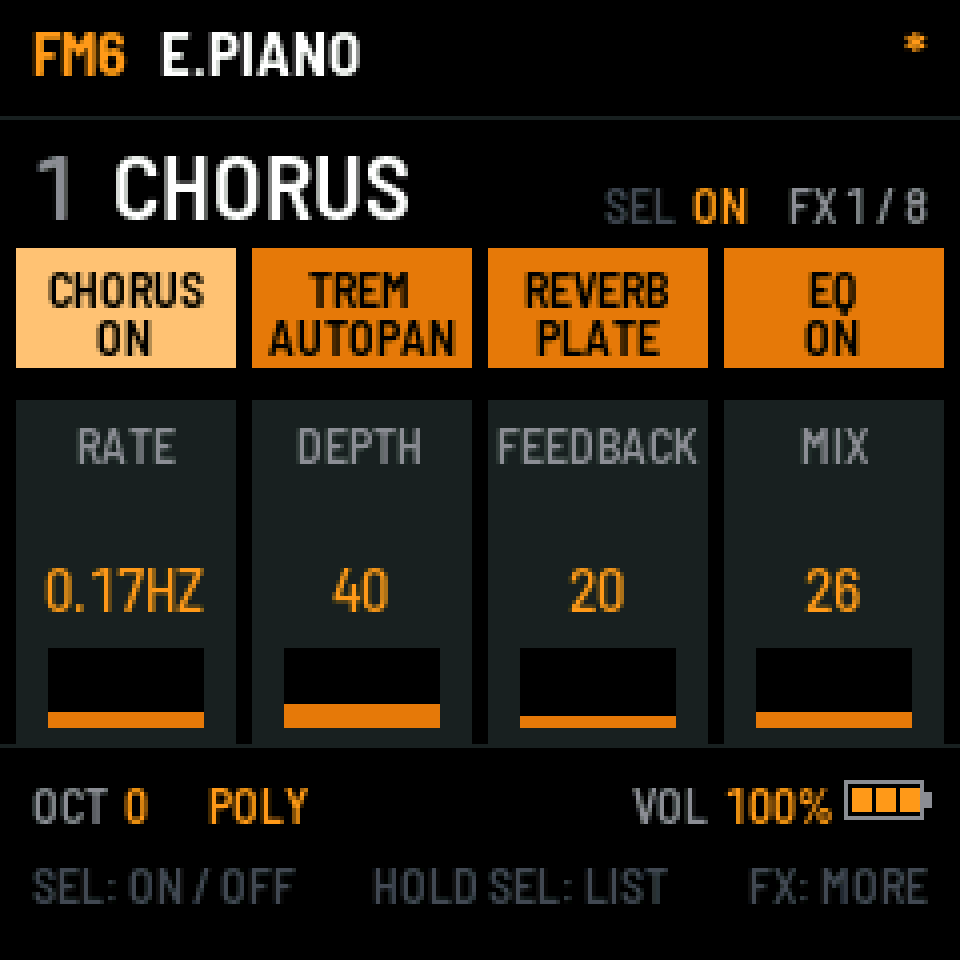
Six-operator FM, the heart of the FM-1, kept and opened up. Reads classic six-operator .syx banks.
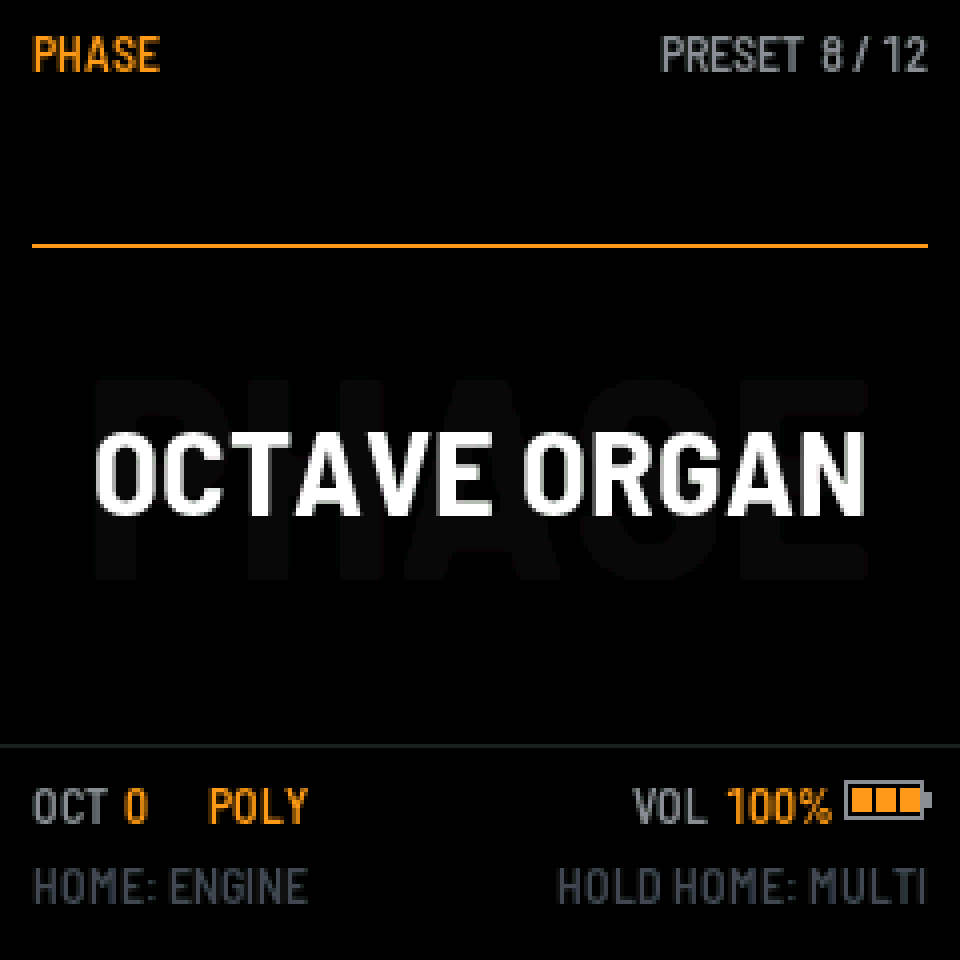
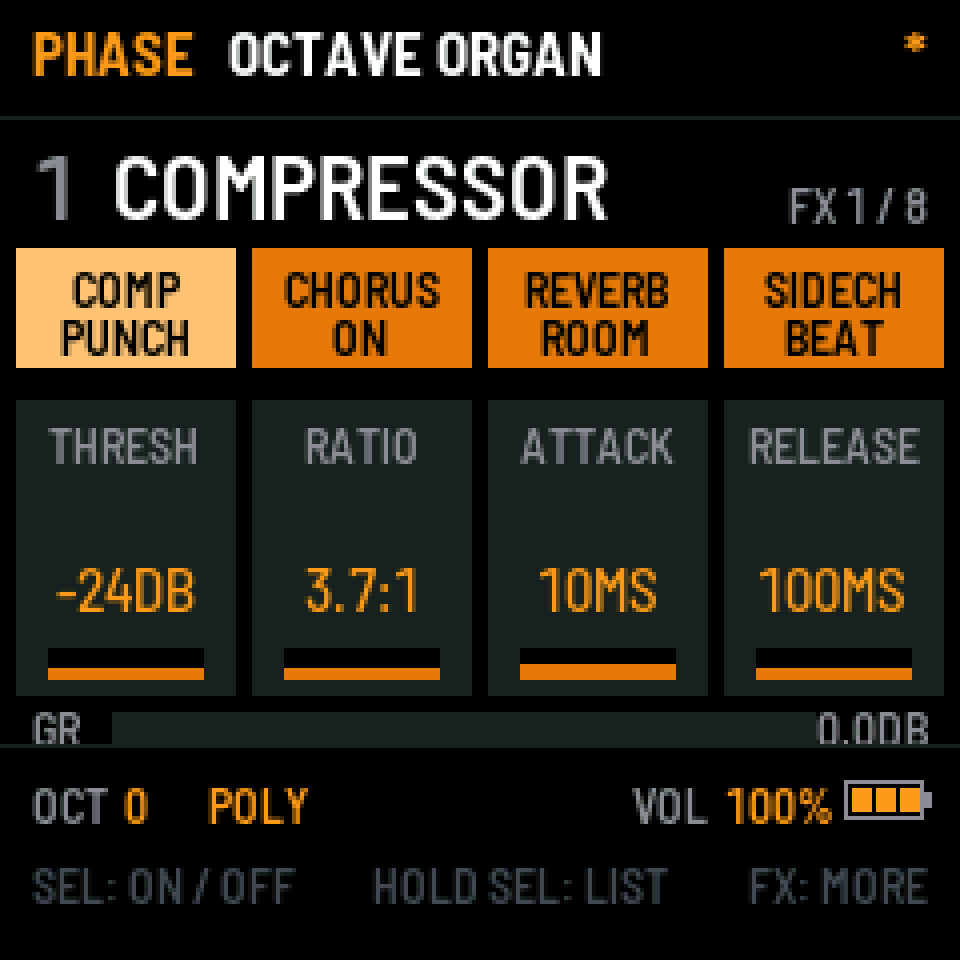
Phase distortion with multi-stage envelopes. Glassy keys, reso basses and brass that cuts through.
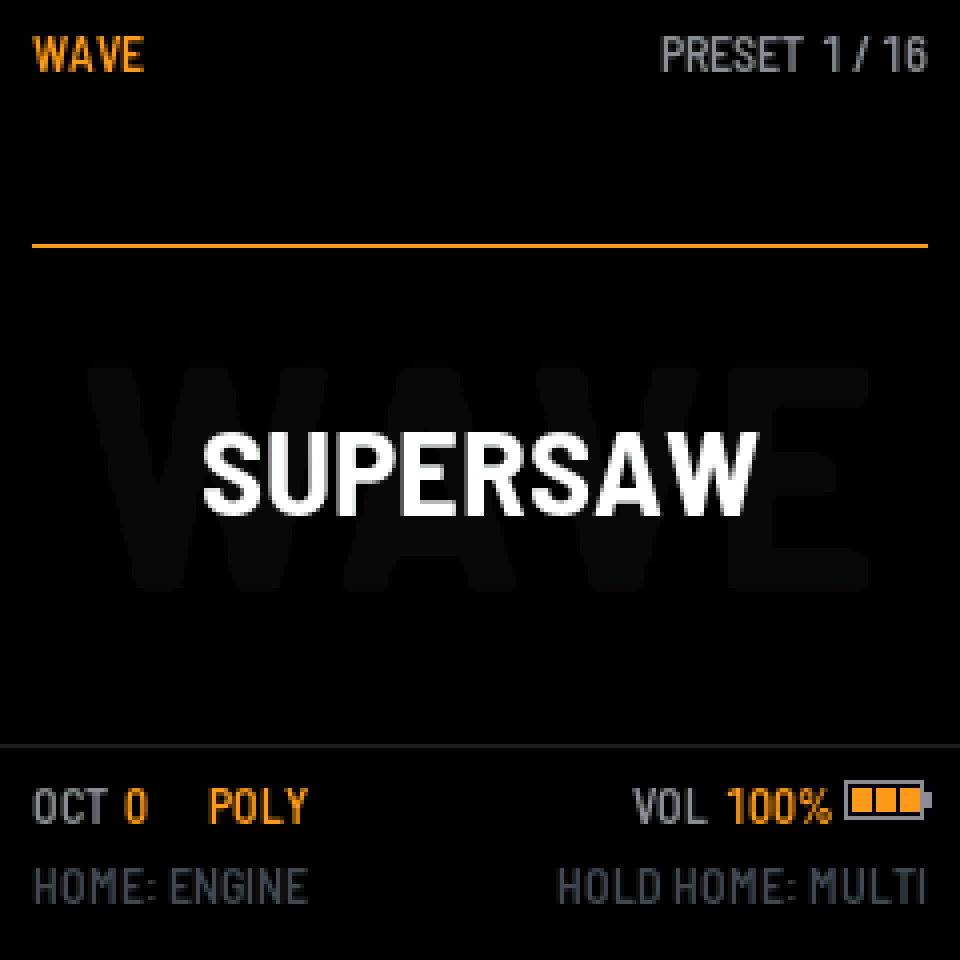
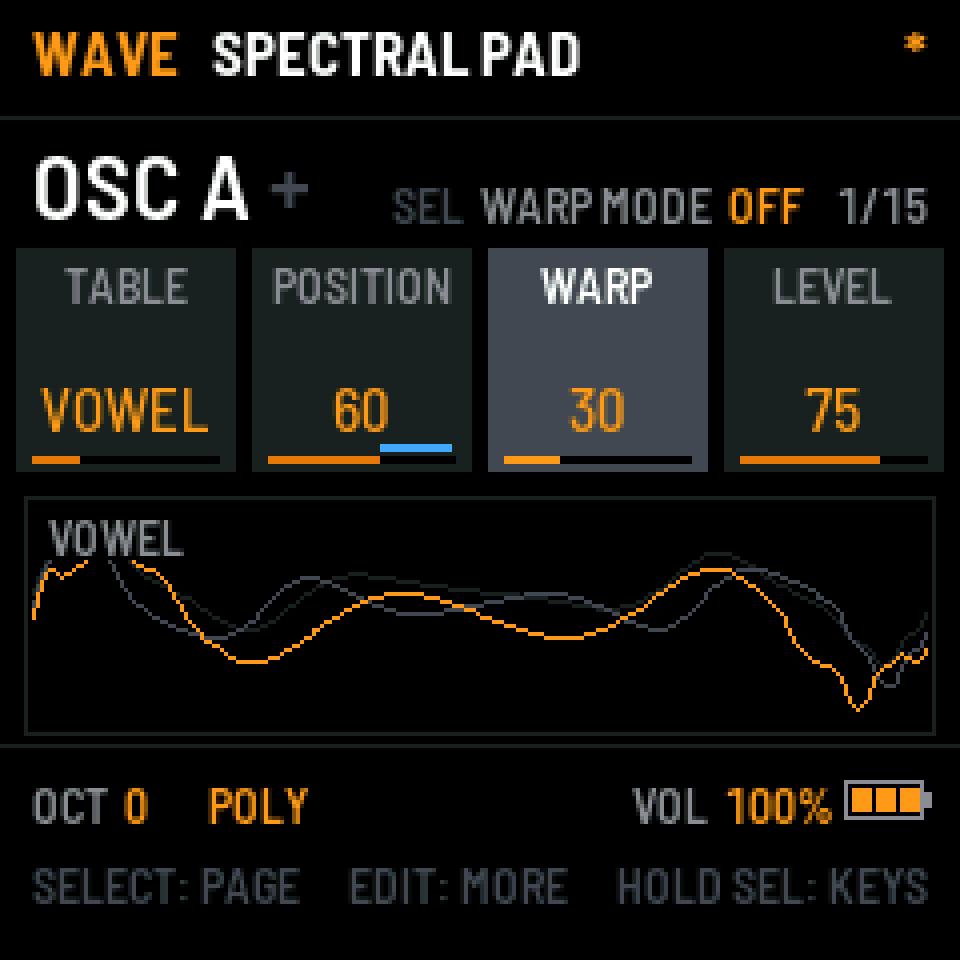
A modern wavetable engine: two oscillators with warp modes, sub, noise, two filters, four LFOs and unison. Load your own tables as .wav.
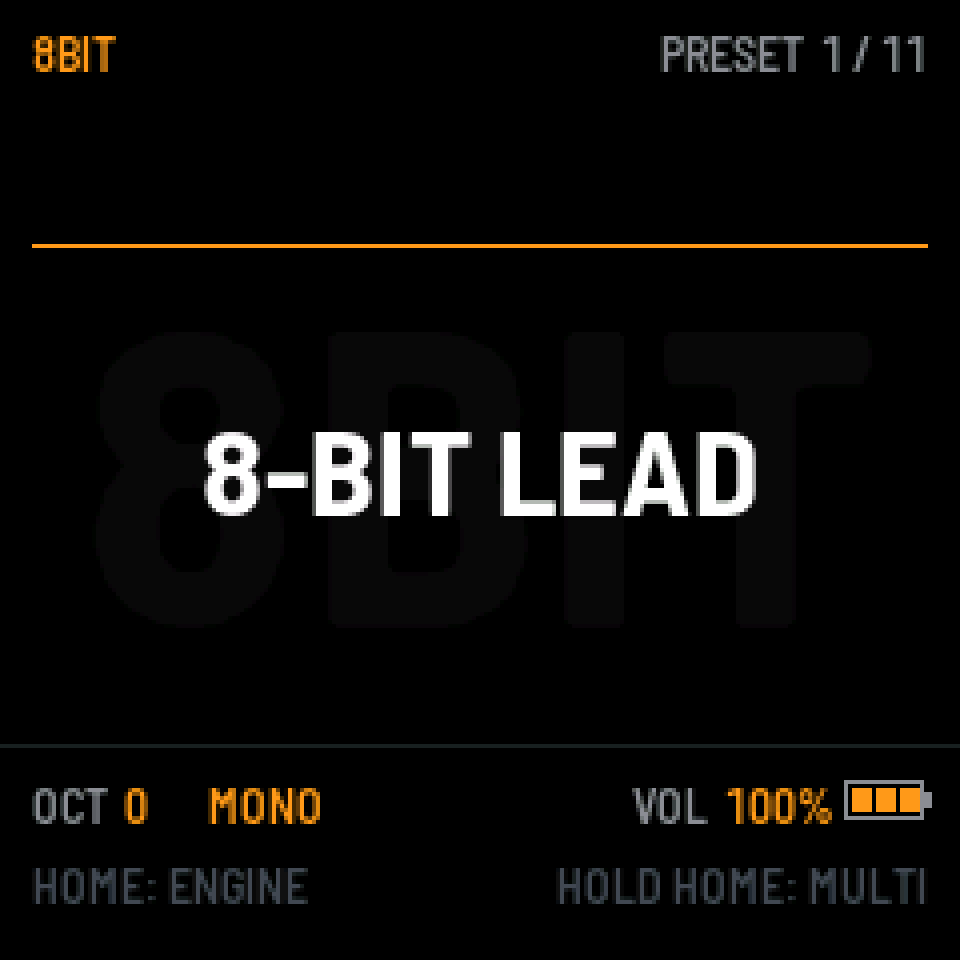
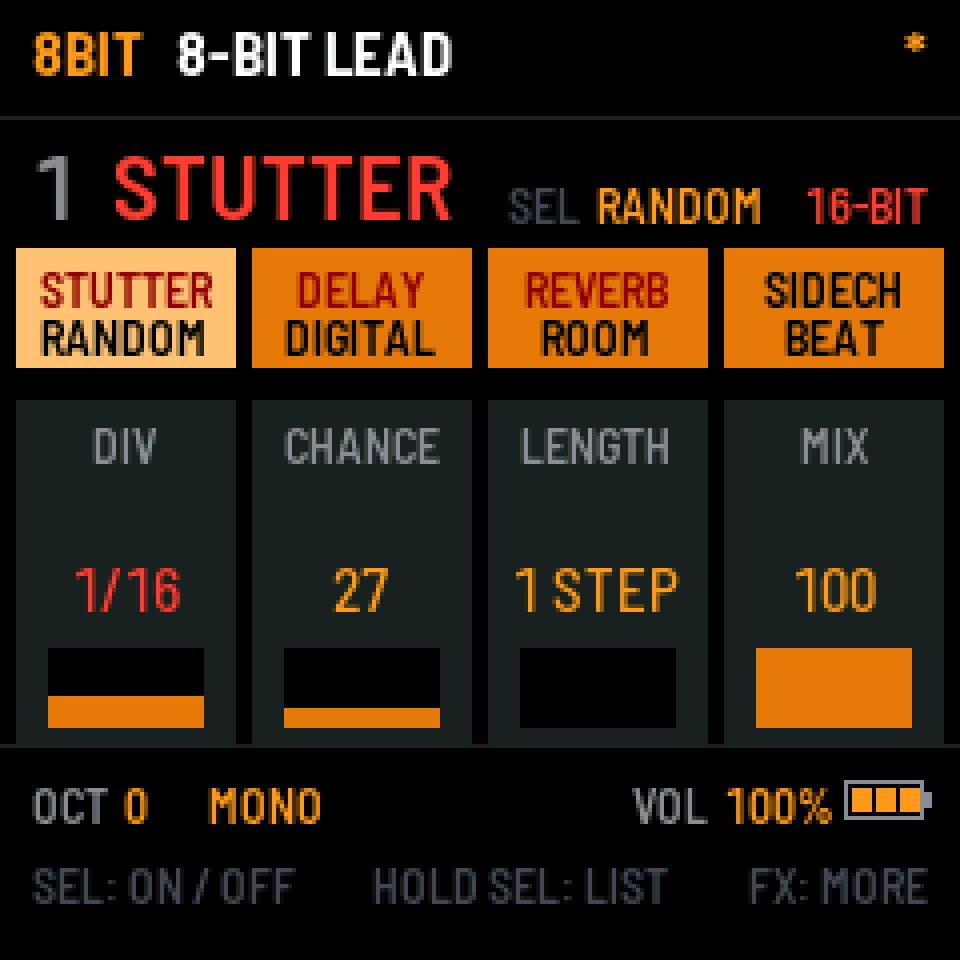
Chip waves, bit tricks and bytebeat. For glitches and consoles that sound slightly broken.
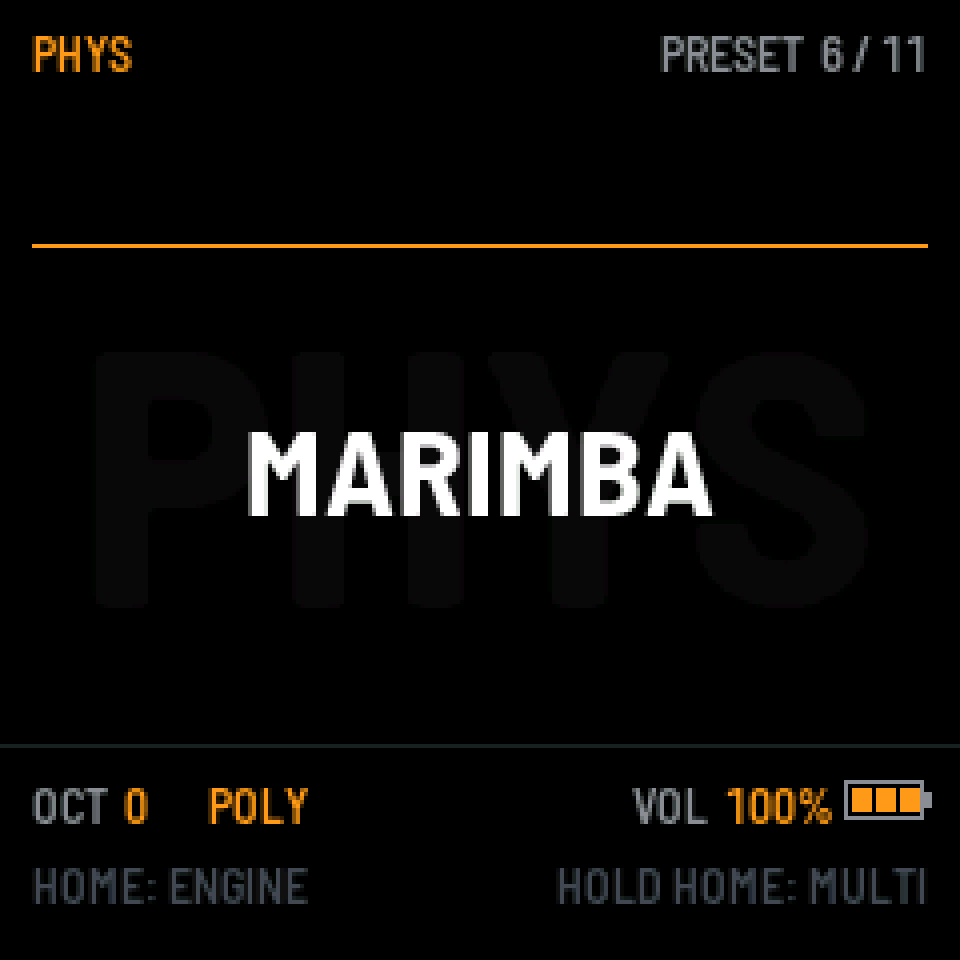
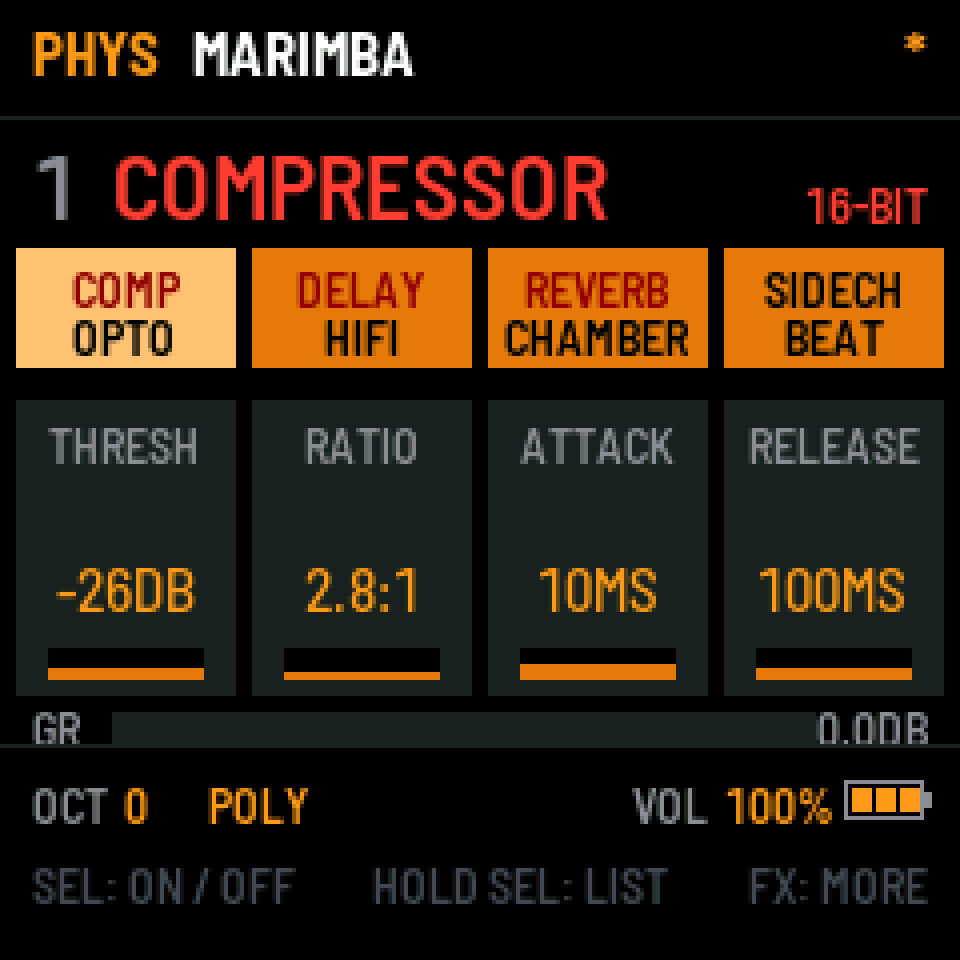
Physical modelling: plucked and struck strings, modal resonators. Nylon, harp, marimba, bells.
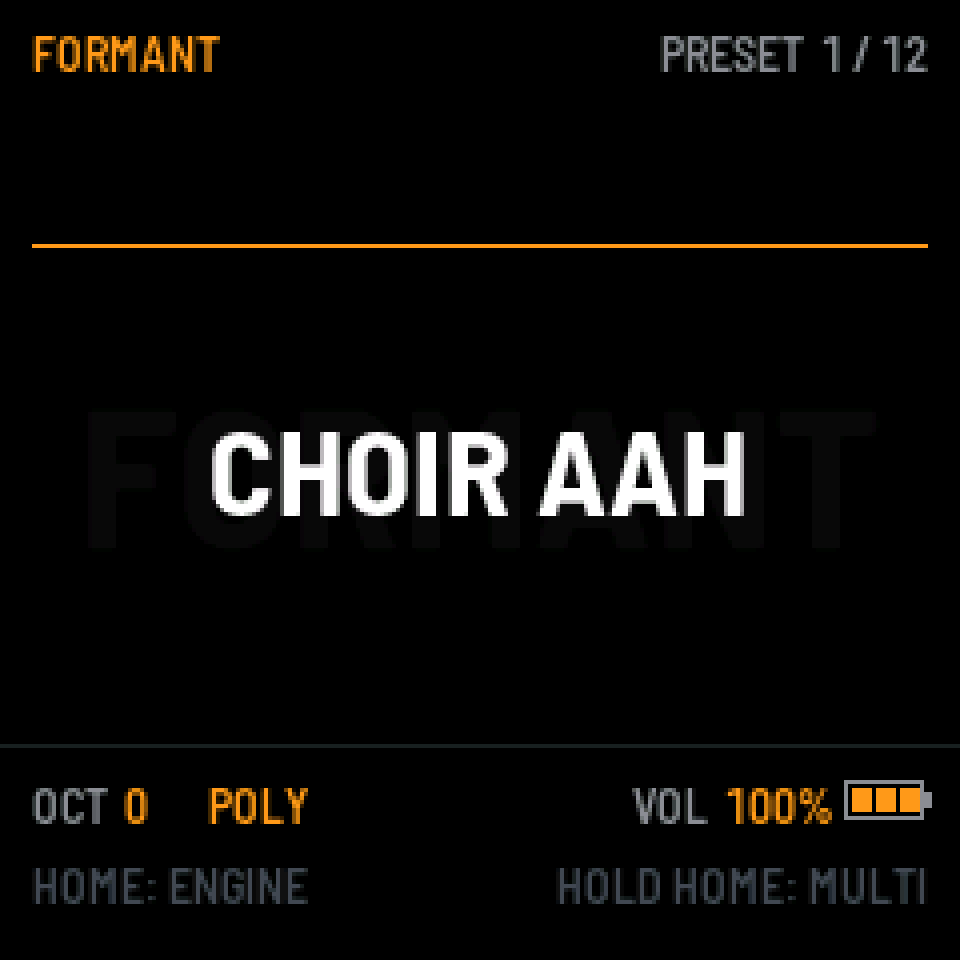
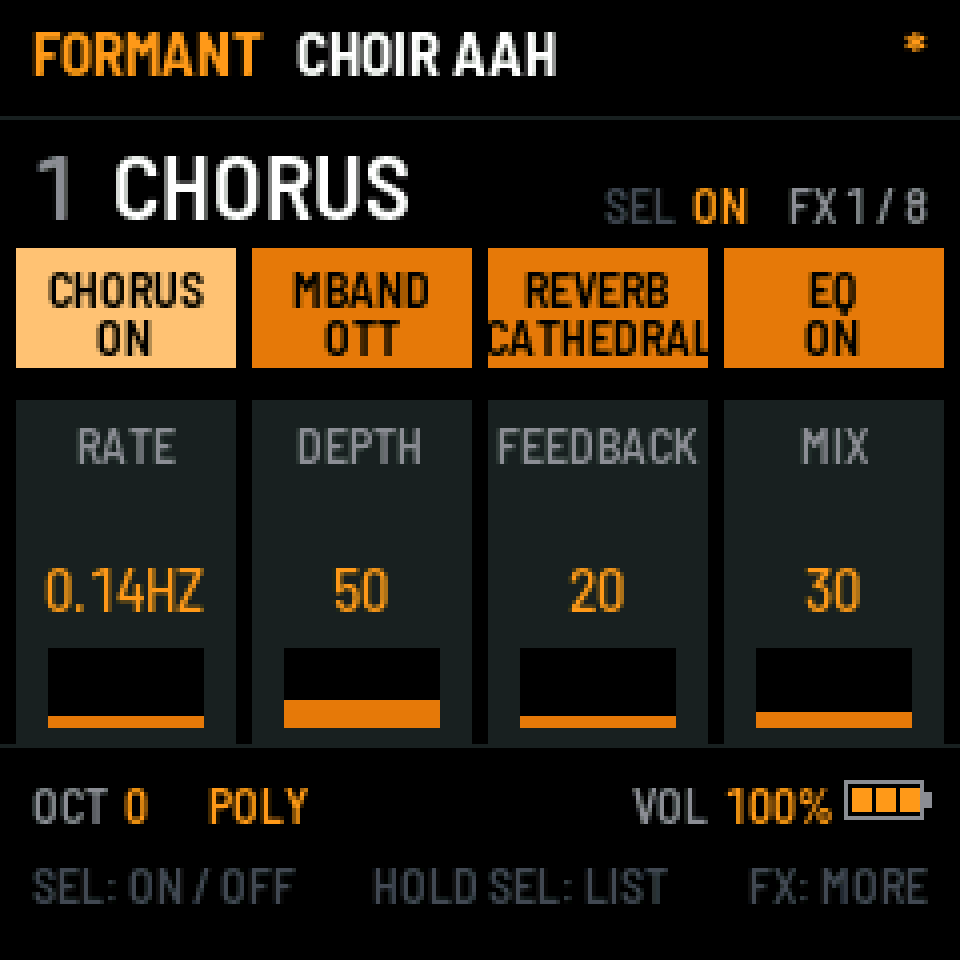
Voices and choirs, with formants on every note. Aahs, oohs, vox stabs and talking basses.
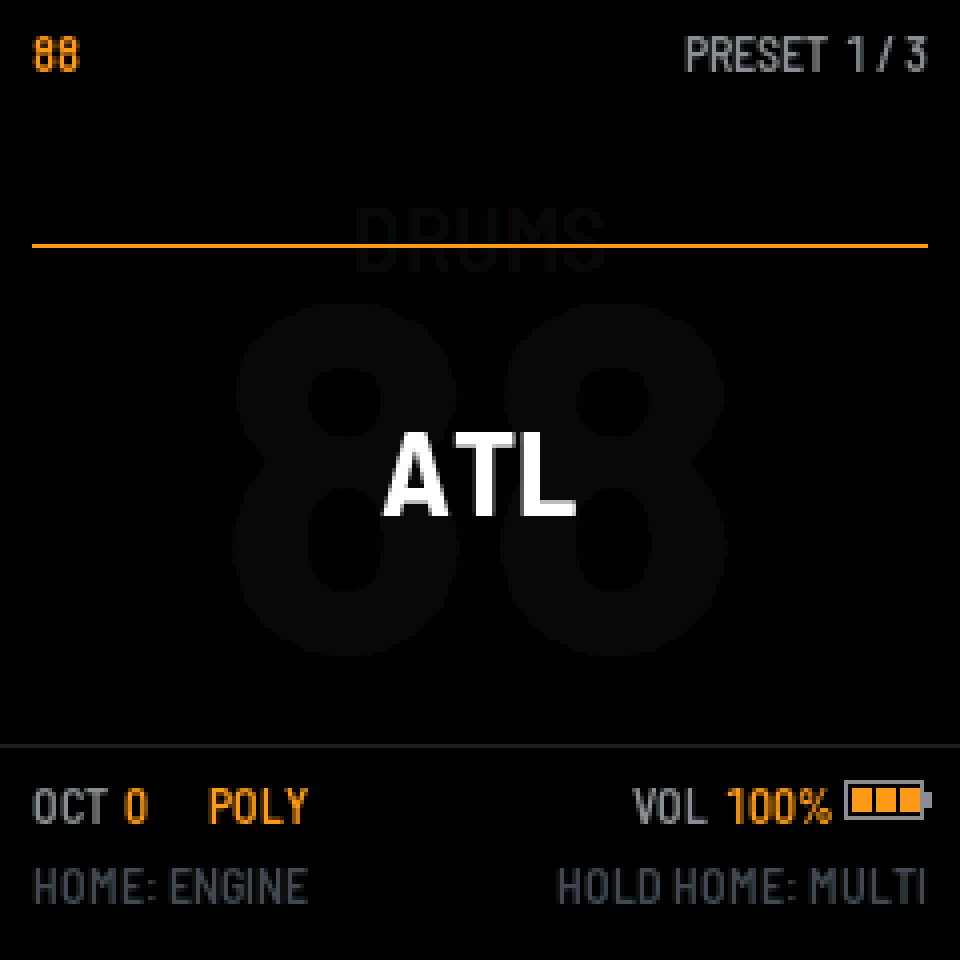
The early-eighties analog drum machine, sixteen sounds on the white keys. Long kicks, crisp hats.
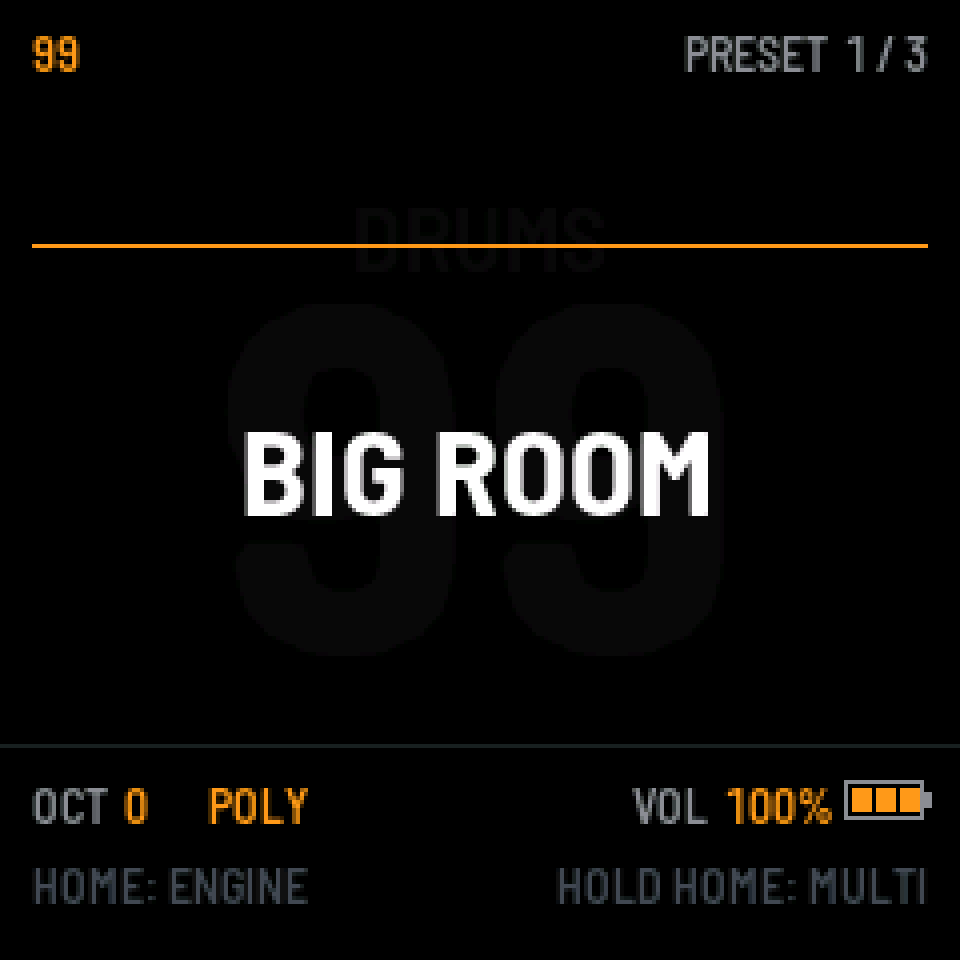
Its punchier sibling: harder kicks, claps, crash and ride. House, techno and anything louder.
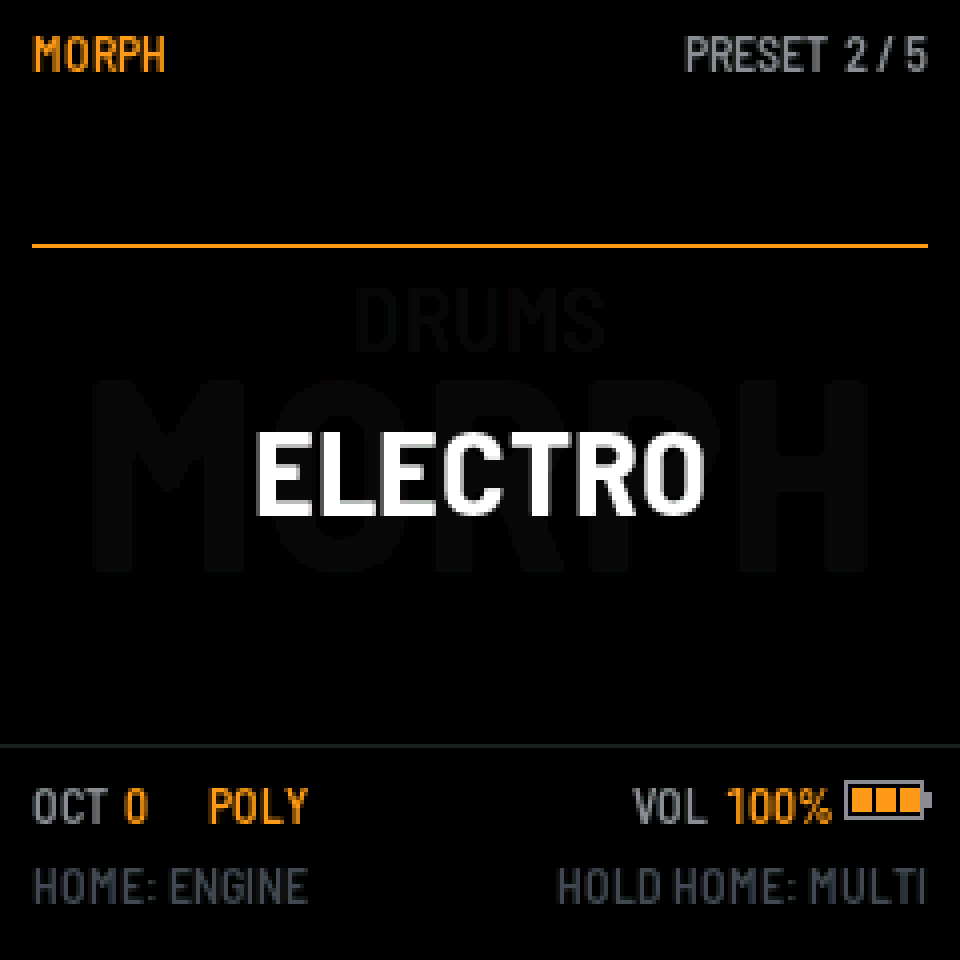
Drum synthesis where every sound moves between two settings. Metal, electro, industrial.
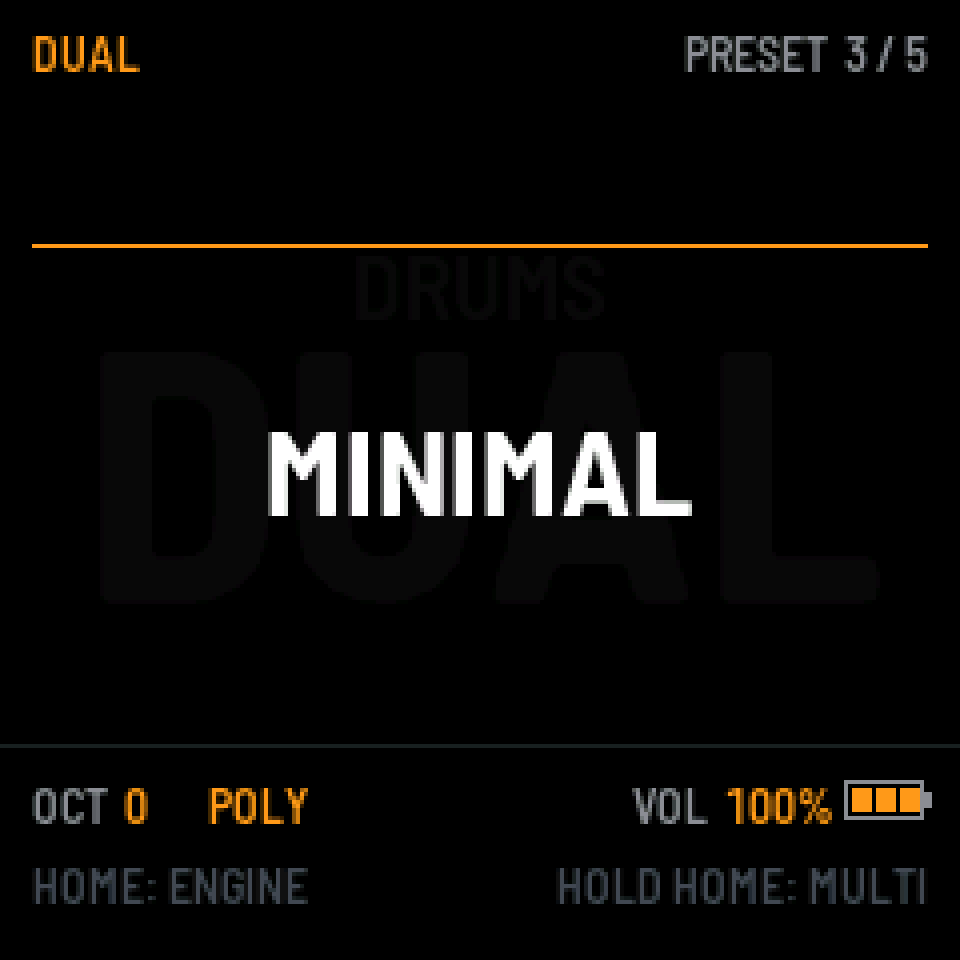
Eight parts with two layers each, through a resonator. Small, odd, tuned percussion.
02 / Effects
A chain of eight, picked from twenty-eight, in any order.
Ten algorithms: room, chamber, plate, hall, bright hall, cathedral, ambience, a chorus space, a dirty plate and a nonlinear one. Three eras of colour, seventies, eighties and now, with modulation, pre-delay, attack, diffusion, width and its own bass and filters.
Seven of them: tape, hi-fi, bucket brigade, digital, ghost, pitch and reverse. Single, ping-pong or uneven left and right, free or in time, with diffusion that smears the echoes into space, tape wobble, ducking and filters.
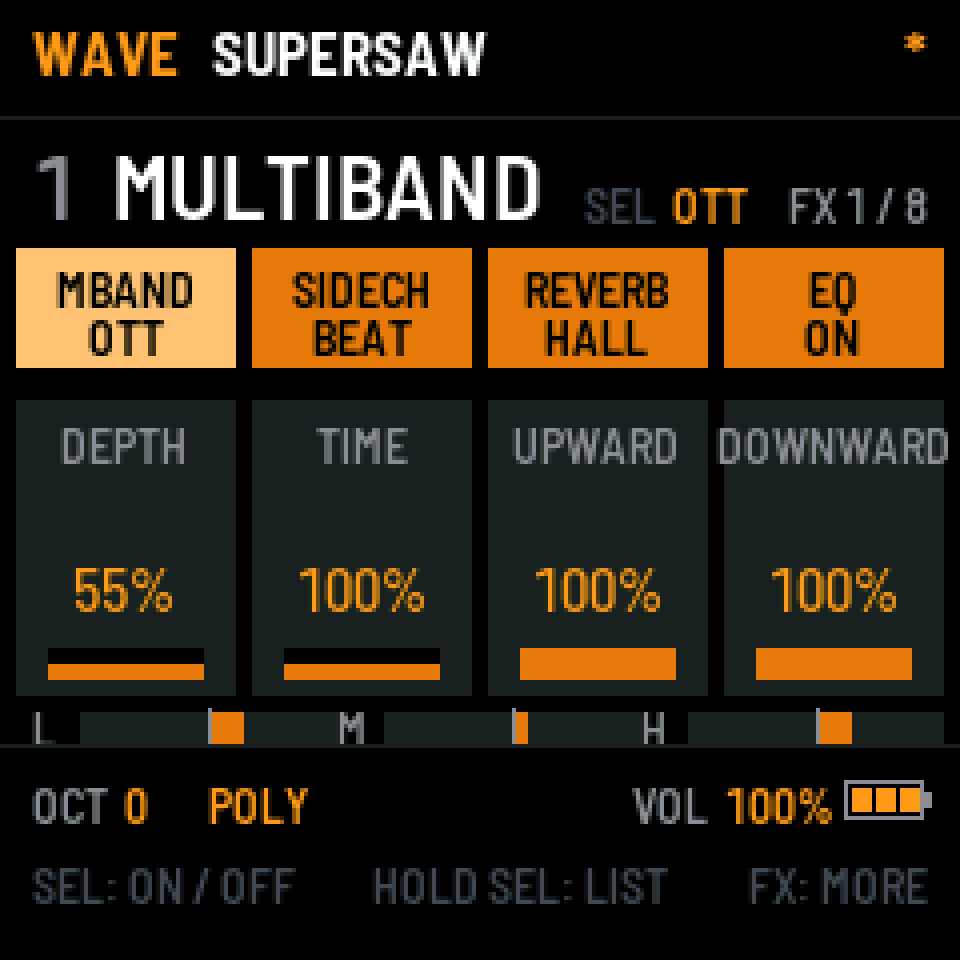
A compressor in seven styles, from clean to pump, with lookahead and a sidechain filter. A multiband that does OTT. A sidechain that ducks to the beat or to your notes.
In MULTI every track has its own chain, with sends to a shared reverb and delay. Hold FX there and the keys play the whole mix: repeats, gates, tape stops, filter sweeps.
The chain behind the WAVE clip: four slots used, four still free.
03 / Playing it
Four knobs, one screen, the same layout in every engine. Learn one and you know them all.
EDIT for the sound, ENV for envelopes, LFO for movement. Each page puts four values on the four knobs and draws what they do underneath.
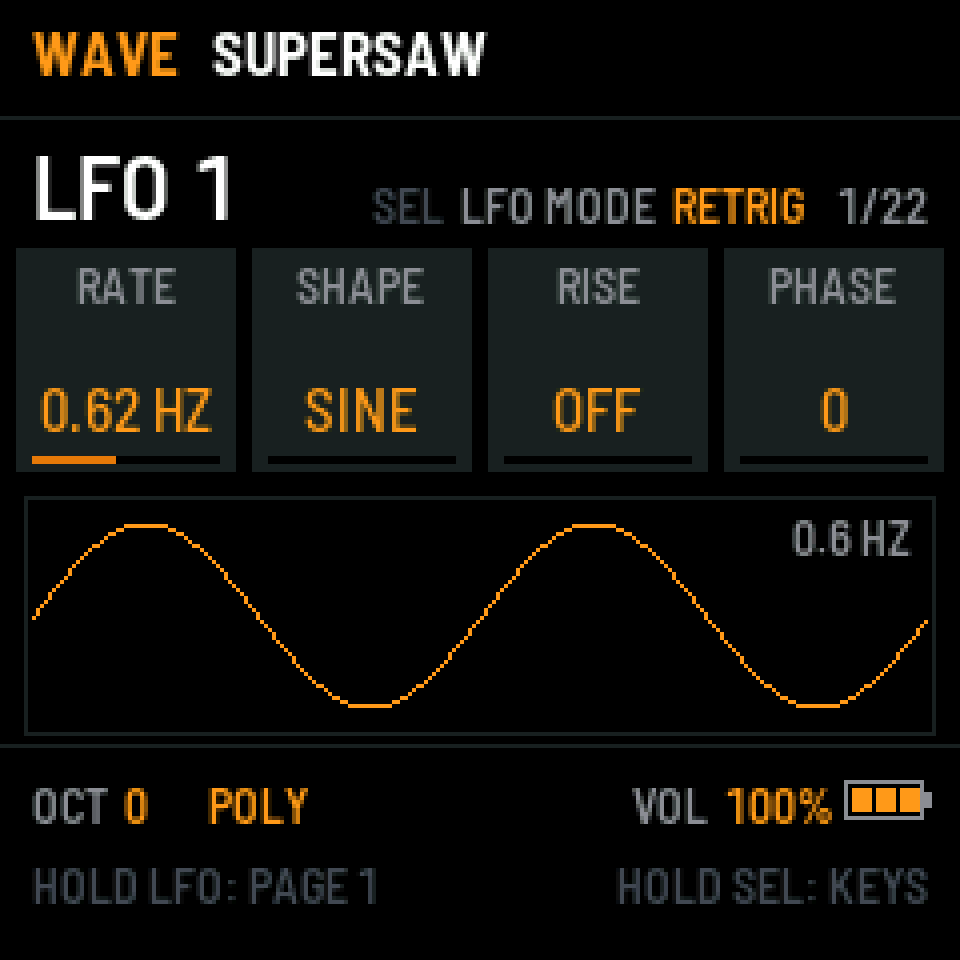
The bottom line always says what the buttons do right now. Hold SEL and it shows where the keys take you. Hold LFO or ENV and press an OP key to send that source anywhere.
Hold HOME for MULTI: drums and three engines at once, a mixer on the knobs and scenes to switch between.
A step grid for drums and a piano roll for notes, with chance, ratchets and nudge. Patterns to jam with, nothing to arrange.
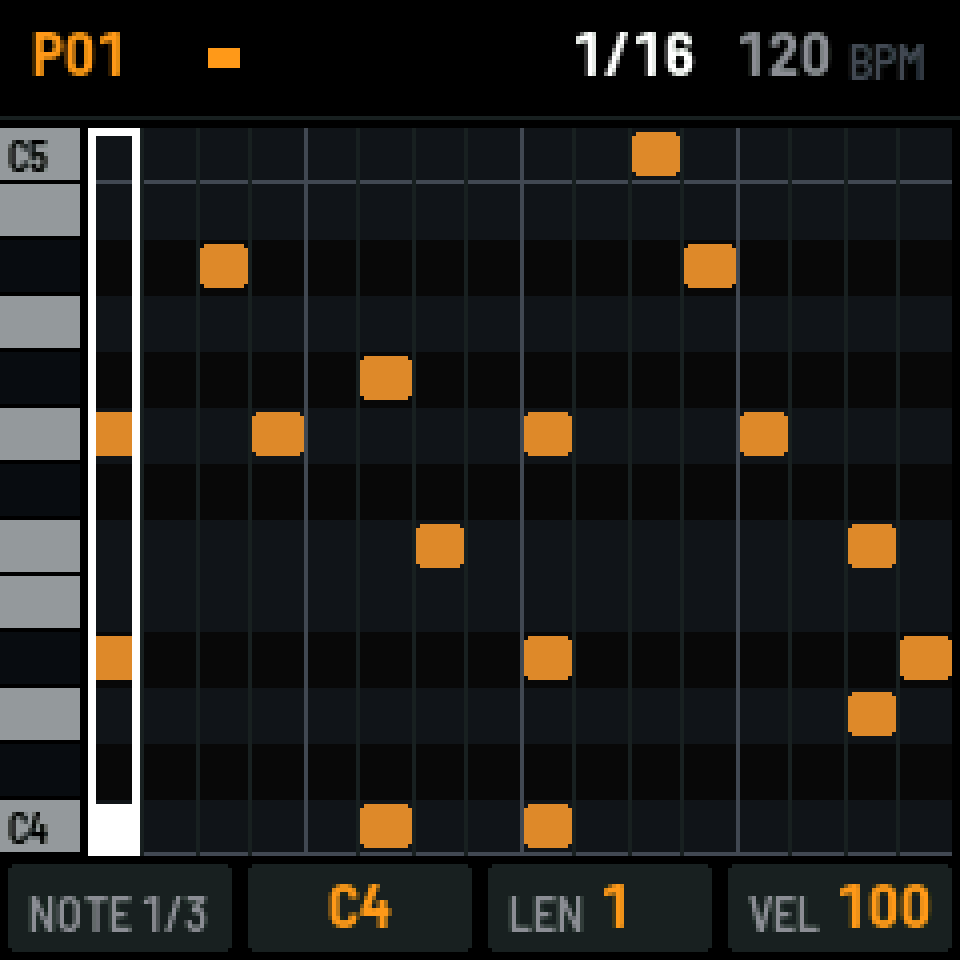
NOTES draws the pattern like a piano roll: chords, lengths and velocity, step by step. Press a key on an empty step and it's written; turn a knob and it changes. Undo is there when you need it.
04 / At a glance
05 / Install
Straight from the browser, in Chrome, Edge or Opera, over the USB cable. Nothing to download or set up.
The same page takes you back to the stock firmware whenever you like.
Your own sounds go over the same cable with the Manager: six-operator and CZ .syx banks, and wavetables for WAVE.
What changed in each version, and how two versions compare.
 mikejohnsonbeatsMike Johnson Beats
Follow on Instagram
06 / Questions
Yes. The install page takes you back to it whenever you like.
Back them up before you install. The install page links to the backup.
Over USB the FM-1 is a MIDI device: notes in and out, MIDI clock in and out. It doesn't show up as an audio interface. The sound comes out of the FM-1 itself.
Yes, with the Manager: six-operator and CZ .syx banks, and your own wavetables for WAVE as .wav.
An FM-1, a USB cable and a computer with Chrome, Edge or Opera.
Nothing. It's free.
07 / Who made it
Mike Johnson Beats, an instrumentalist and producer. OG Synth is the most powerful synth I know how to make, and the simplest to play.
It's free. If it earns a place in your setup, there's a tip jar on Ko-fi.